
- Tìm kiếm nhiều:
- AI Computer
- Raspberry Pi
- NVIDIA Jetson
- Máy tính nhúng
- Màn hình LCD ....
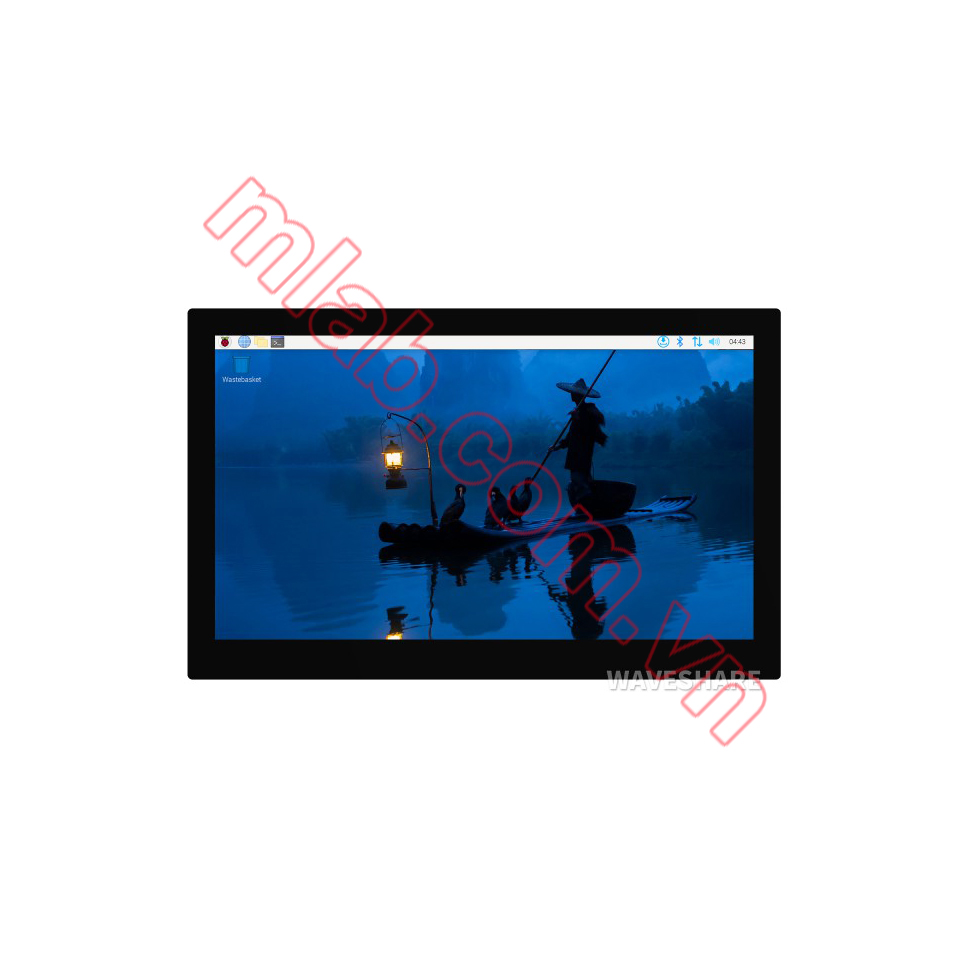
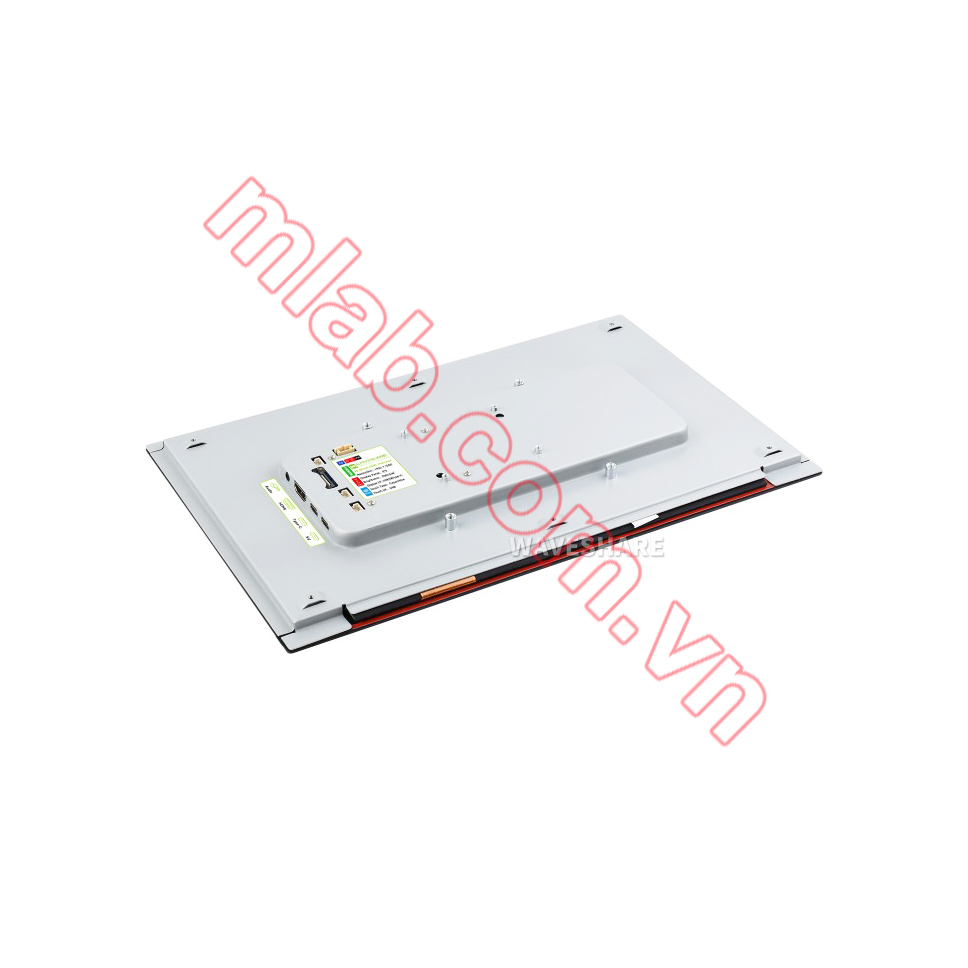
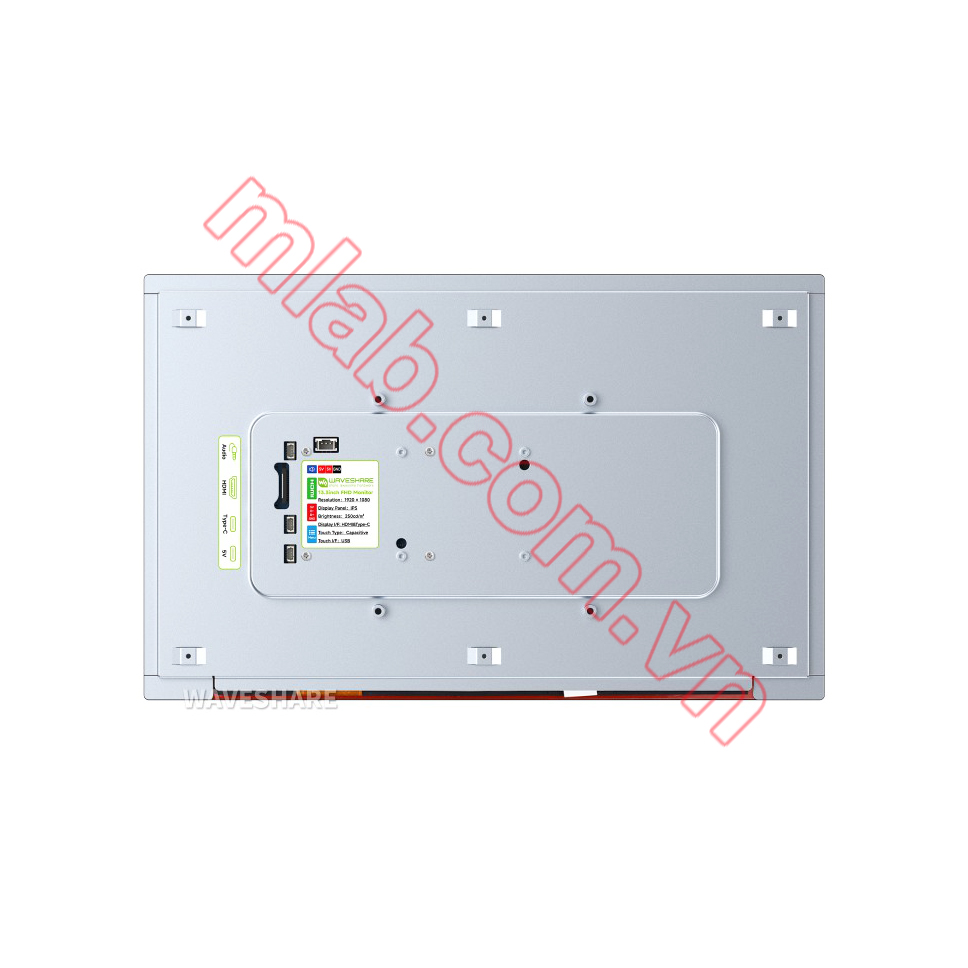
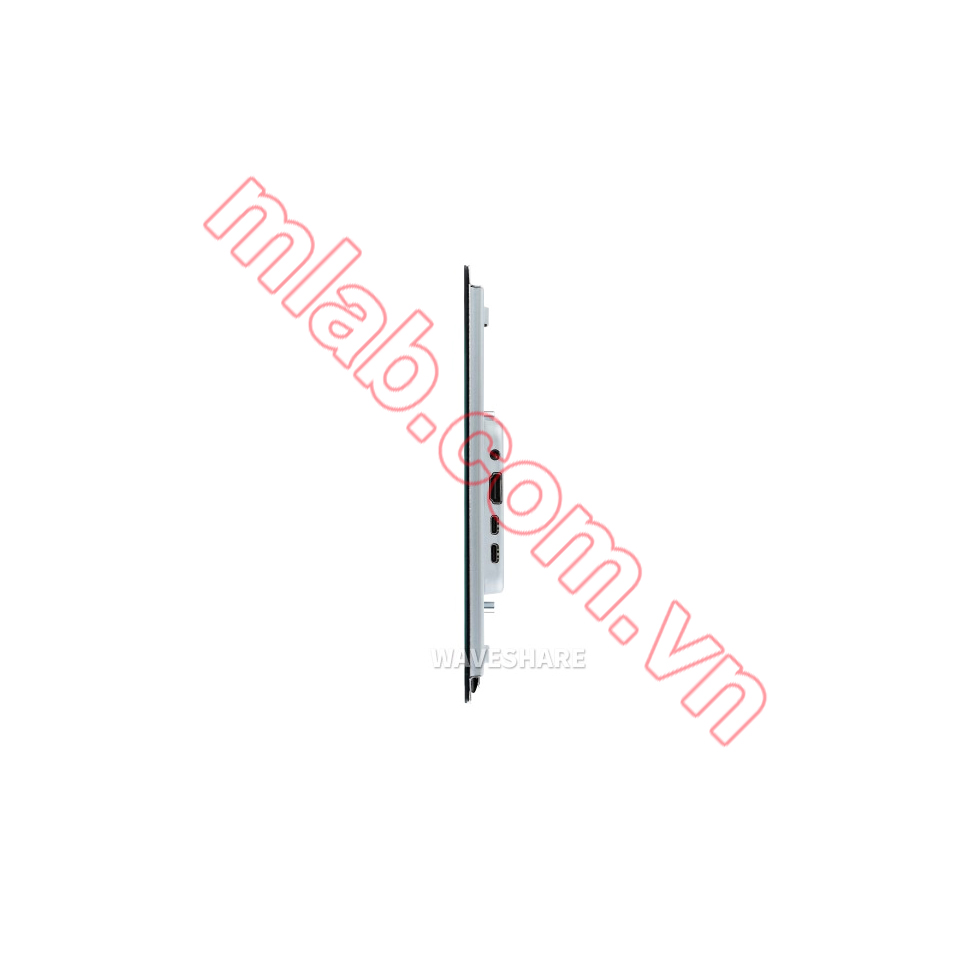
Giá chưa bao gồm thuế giá trị gia tăng (VAT)
Sản phẩm nhập khẩu chính hãng từ Waveshare
Hỗ trợ kỹ thuật trong suốt quá trình sử dụng
Sản phẩm được bảo hành 12 tháng.



Hỗ trợ mua hàng : 02436.231.170 or 0984.058.846
Tư vấn kỹ thuật Raspberry Pi và RS232/RS485 to Ethernet : 0862.628.846
Tư vấn kỹ thuật Module khác : 0866.828.846 or 0862.998.846
VUI LÒNG LIÊN HỆ ĐỂ ĐƯỢC HỖ TRỢ KỸ THUẬT VÀ ĐẶT HÀNG TRỰC TIẾP
Prepare the accessories as shown above, here we take Raspberry Pi 5 as an example.
Step 1:
Connect the cables ①, ④, and ⑤ to the connectors on the back side of LCD display, shown in the picture above.
Step 2:
Install the Raspberry Pi 5 on the back cover via the screws included in the package.
Step 3:
Connect the HDMI adapter ② to the cable ① first (choose HDMI adapter ② or ③ according to your Raspberry Pi model), then insert it into the Raspberry Pi Micro HDMI port; Connect the cable ④ to the USB port of the Pi and connect the cable ⑤ to the GPIO 5V, 5V, GND pin header as shown above.
Step 4:
Complete the assembly as shown in the picture and ensure all connections are correct, then connect to a 5V power supply and power on.
* for reference only, the Raspberry Pi 5 is not included.
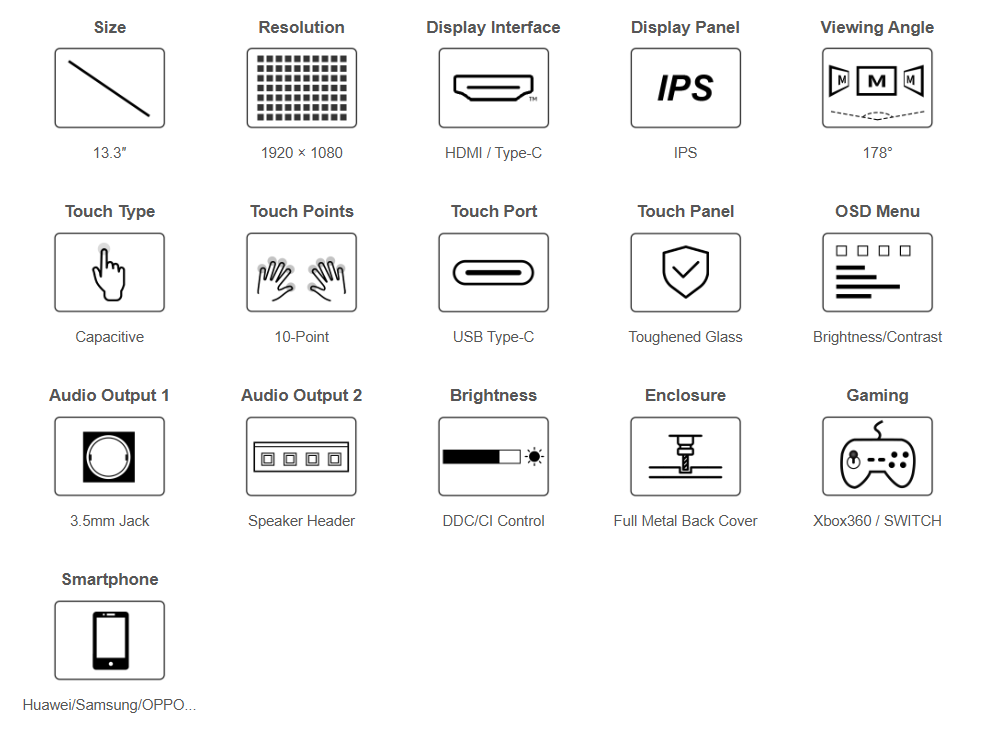
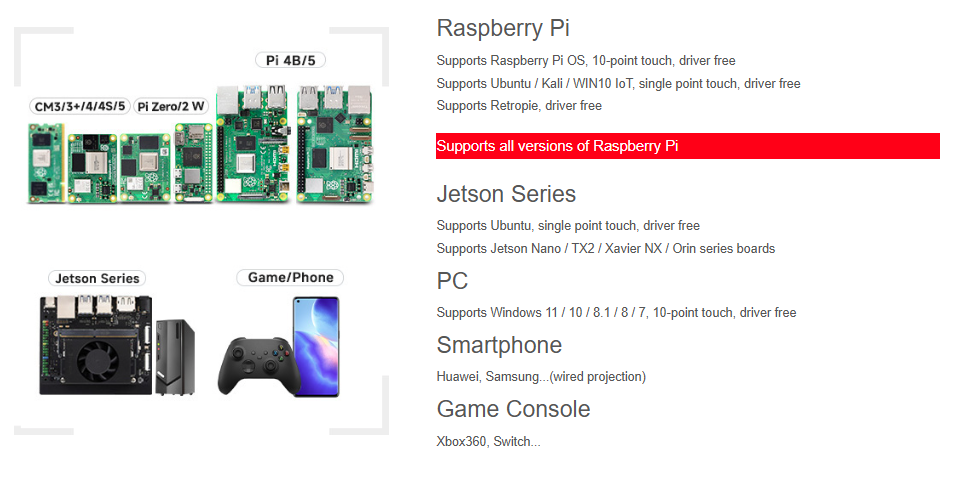
Supports audio and video transmission, plug and play. One cable is just enough for either computer dual-screen OR Smartphone wired projection
One screen for work, one screen for study, without interfering with each other
* for reference only, please refer to the Package Content for detailed part list
IPS panel enhances the display and color performance of the monitor. 178° wide viewing angle, whether it is viewed vertically or horizontally, the display effect is still clear
A good partner for the game consoles, play video games with a wider and clearer vision. Supports Xbox360 / PS4 / SWITCH etc. (Display and Sound Only)




%20kh%C3%B4ng%20v%E1%BB%8F/man-hinh-lcd-133inch-h-khong-co-vo-hdmi-ips-1920x1080-cam-ung-dien-dung-waveshare-mlab-com-vn_thumb_350.jpg)
%20kh%C3%B4ng%20v%E1%BB%8F/man-hinh-lcd-133inch-h-khong-co-vo-hdmi-ips-1920x1080-cam-ung-dien-dung-waveshare-mlab-com-vn-1_thumb_350.jpg)
%20with%20case/man-hinh-lcd-133inch-hdmi-h-with-case-ips-1920x1080-cam-ung-dien-dung-waveshare-mlab-com-vn_thumb_350.png)
%20with%20case/man-hinh-lcd-133inch-hdmi-h-with-case-ips-1920x1080-cam-ung-dien-dung-waveshare-mlab-com-vn-1_thumb_350.jpg)